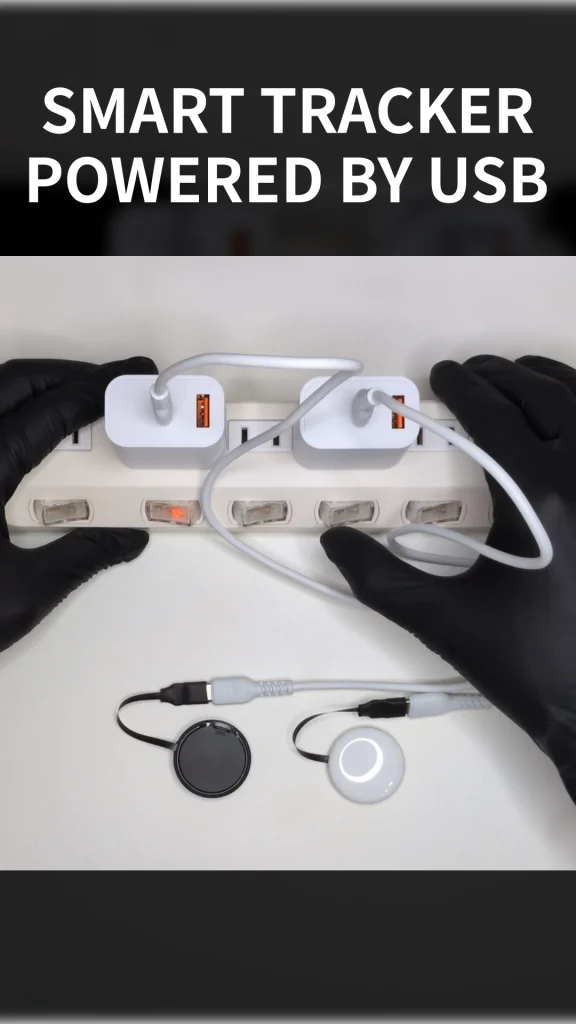
Want to power a smart tracker via USB instead of using a battery?
In this article, we’ll show you how to power a smart tracker via USB using Cyack Lab’s DB-R2032U, a USB Type-C dummy coin cell.
What Is the DB-R2032U?
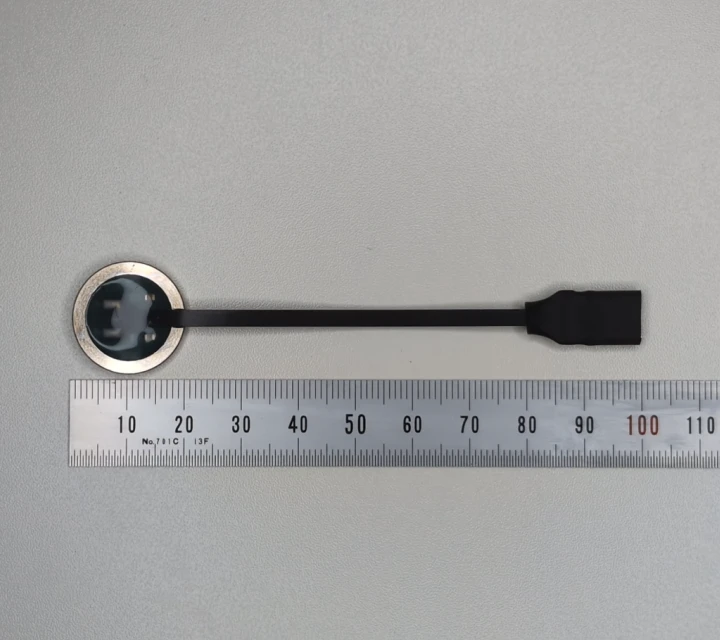
The DB-R2032U is a CR2032-sized dummy coin cell with a built-in USB Type-C connector.

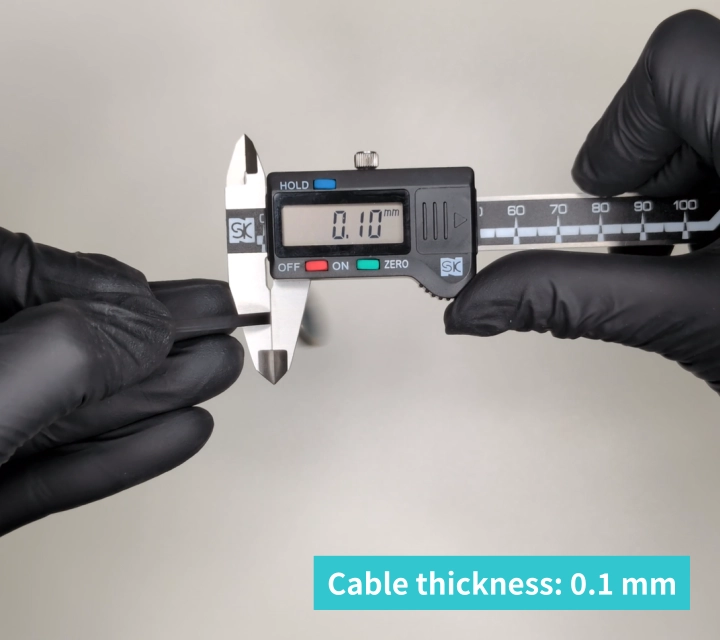
Its ultra-thin cable, approximately 0.1 mm thick, helps minimize the modifications required when installing it in a device.
- Cable length: Approx. 8 cm
- Cable width: Approx. 3 mm
- Cable thickness: Approx. 0.1 mm
How to Power a Smart Tracker via USB
The steps described in this article are also briefly demonstrated in the video.
1. Remove the Existing Coin Cell
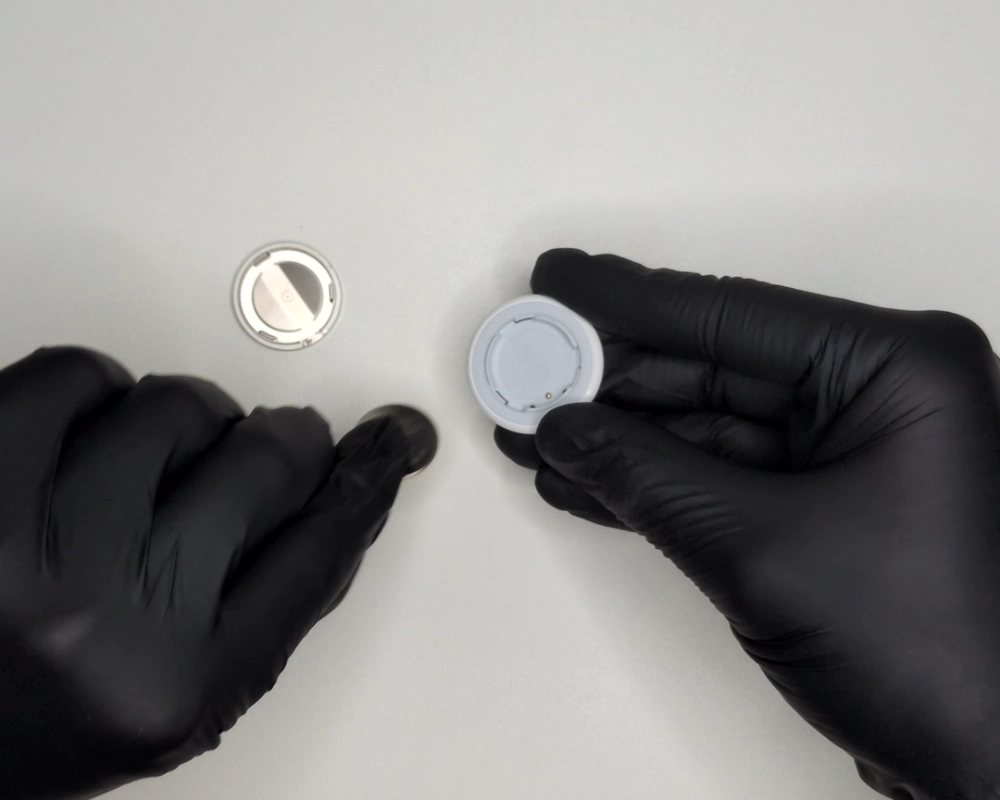
First, remove the existing CR2032 coin cell from the smart tracker.
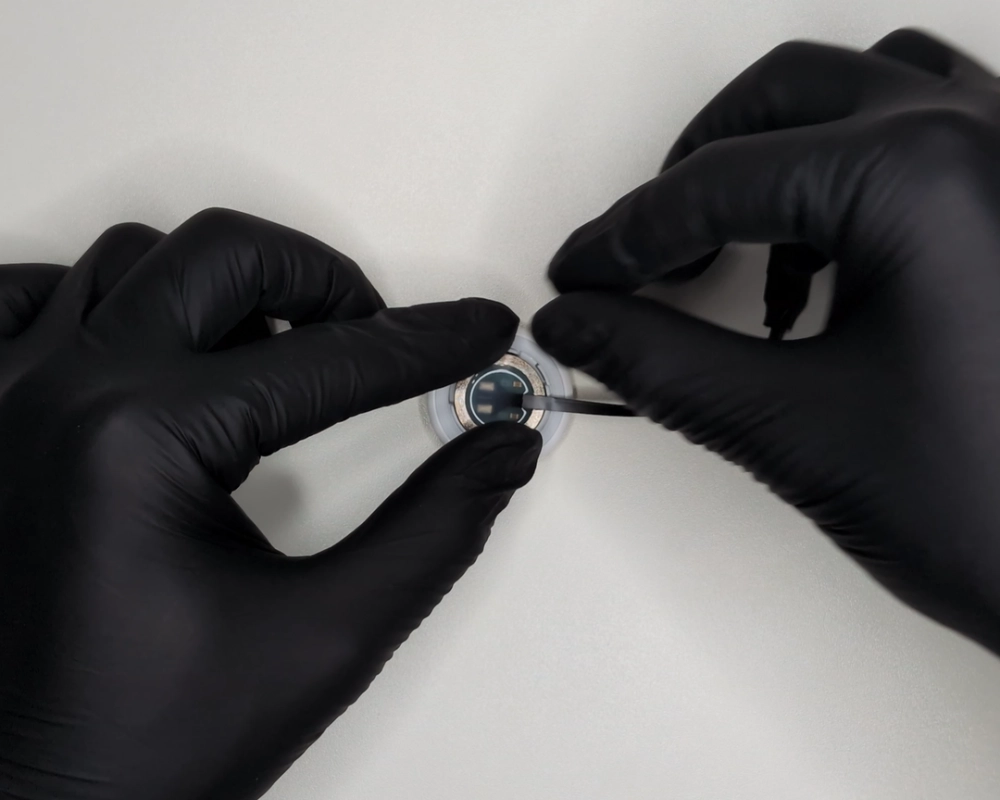
2. Insert the DB-R2032U
Insert the DB-R2032U dummy coin cell in place of the CR2032 coin cell.
3. Modify the Cover if Necessary
This is an important point when installing the DB-R2032U.
Depending on the shape of the case, closing the cover as-is may cause the cable to be sharply folded.
The cable can be gently bent, but sharply folding it or pinching it between the case and cover may cause cable damage or a short circuit.
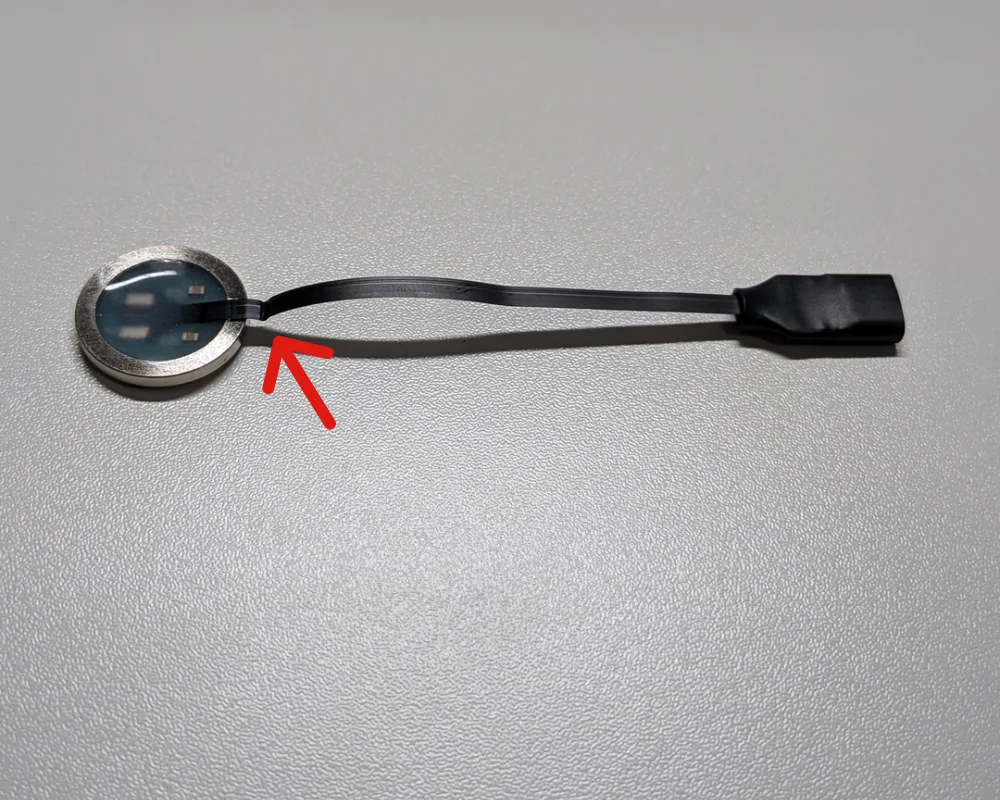
Therefore, make sure there is a clear path for the cable to exit the case without being pinched or sharply bent.
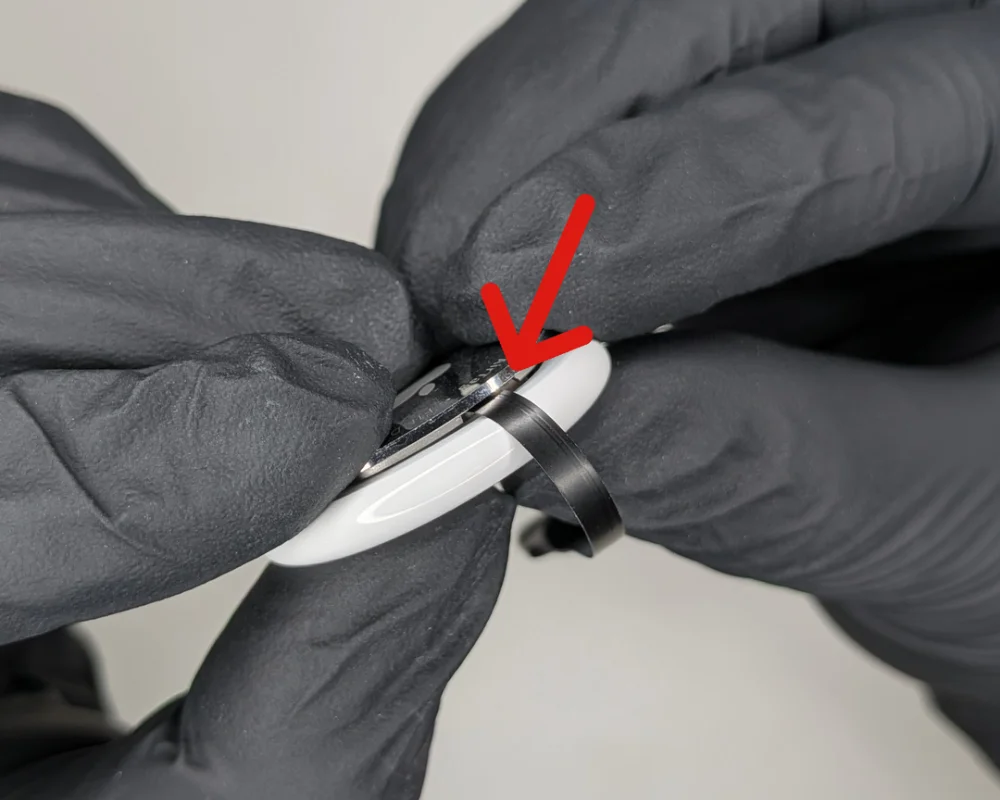
AirTag Modification Example
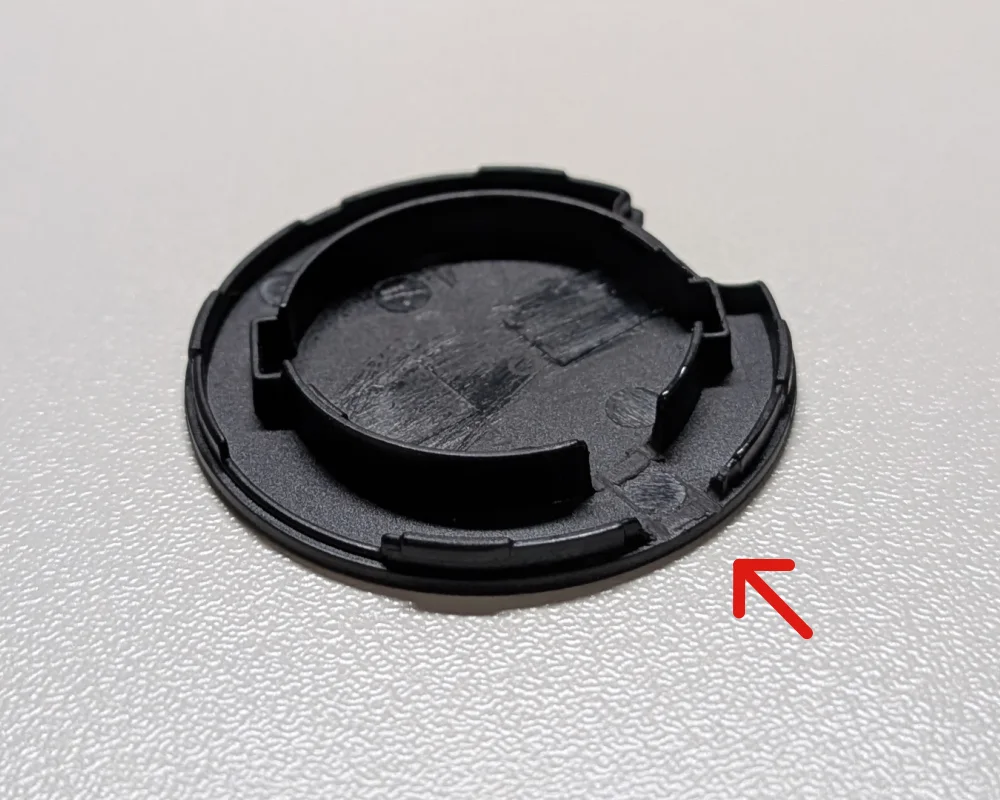
For the AirTag, we filed down the section of the cover indicated by the arrow in the image below, while avoiding the positive terminal contact area, to create a clear path for the cable.
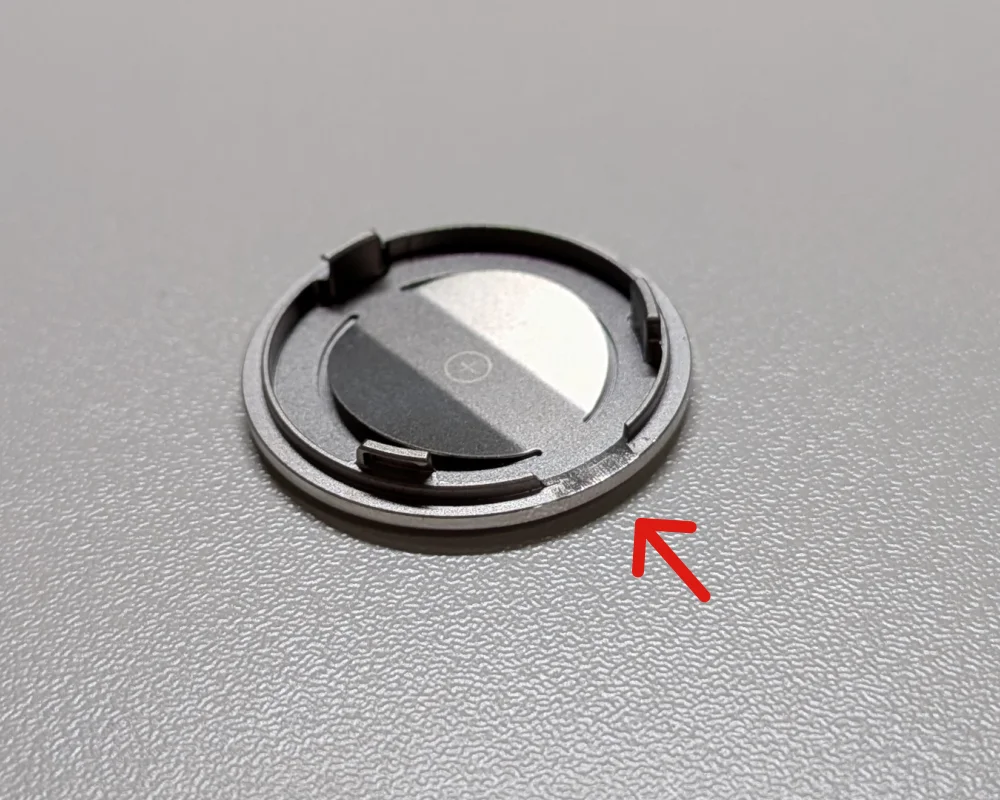
OTag Modification Example
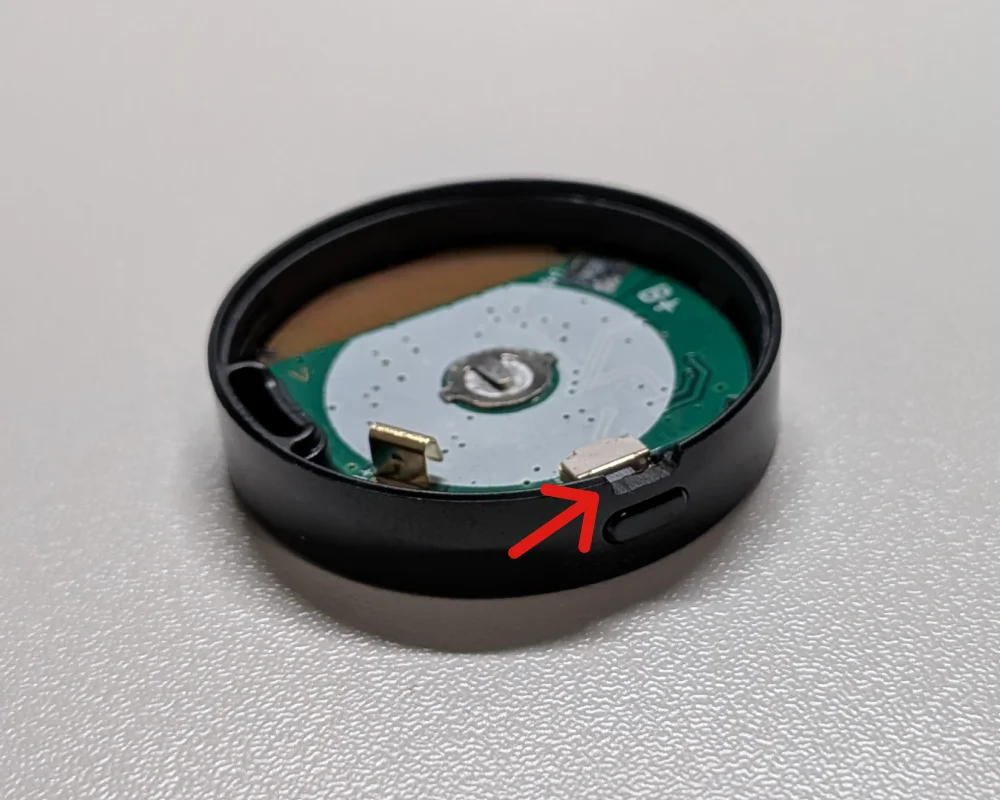
or the OTag, we filed down the existing switch cutout on the cover and the area above the switch on the case to create a clear path for the cable.
4. Close the Cover and Connect USB Type-C Power
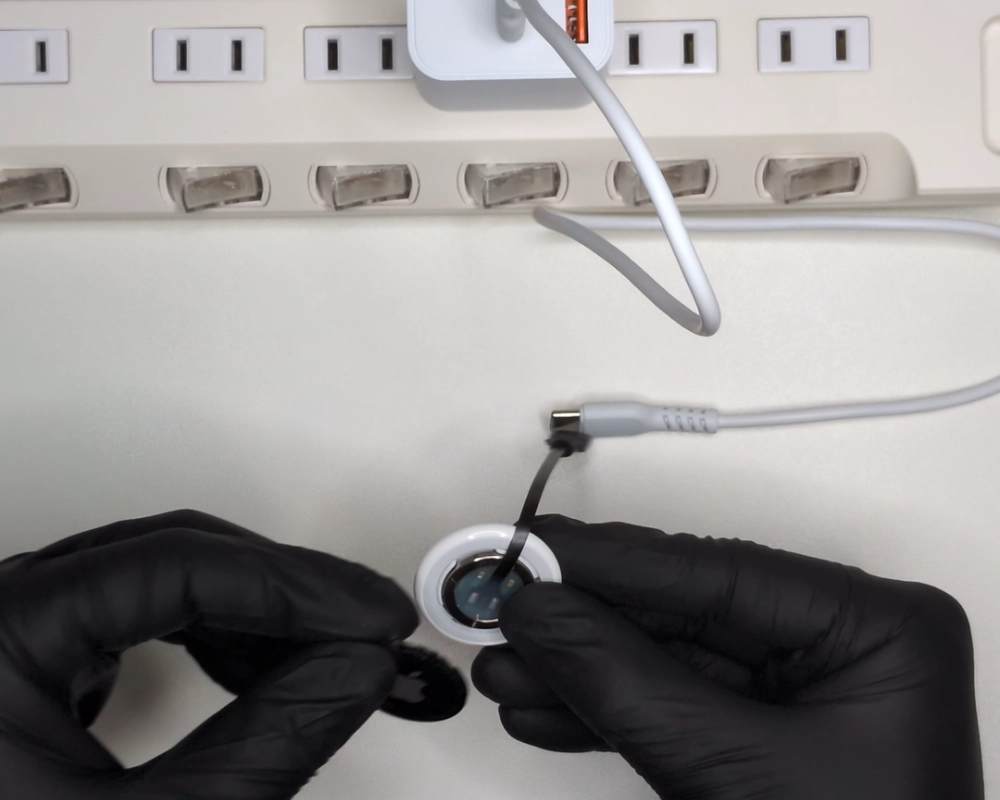
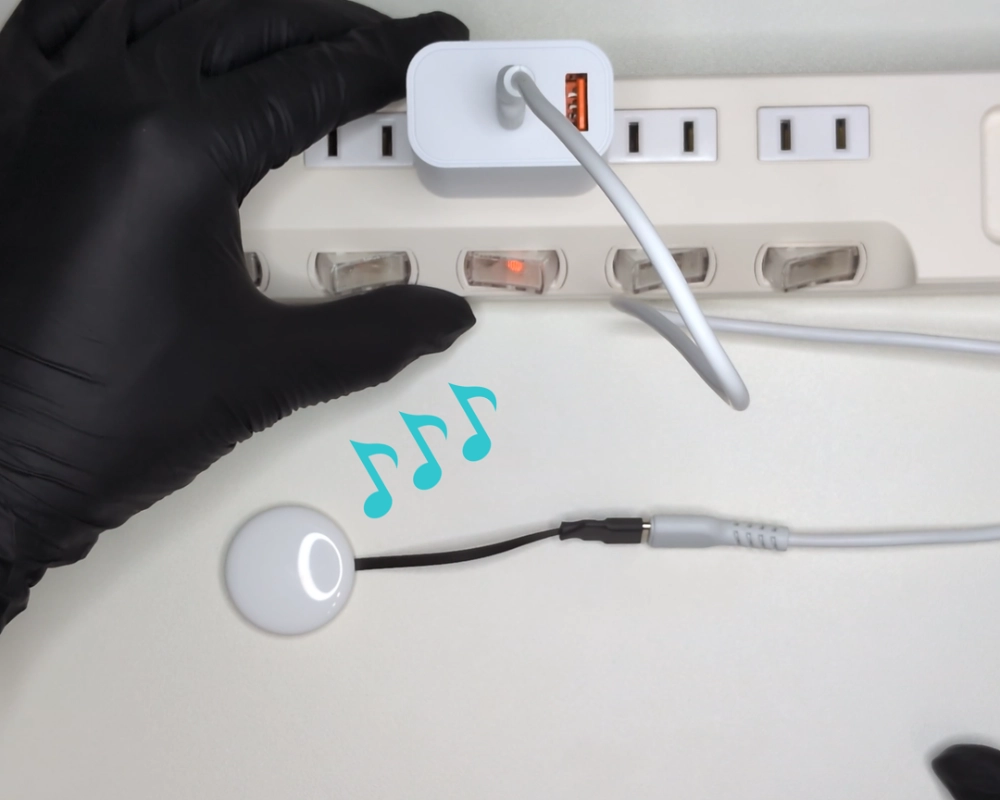
Once you have created a clear path for the cable, close the cover and connect power to the DB-R2032U’s USB Type-C connector.
The smart tracker can now be powered via USB.
Important Safety Notes
The modification methods shown in this article are just examples.
When modifying your device, take care to avoid cable damage or short circuits, and proceed at your own risk.
Please note that modifications may void the manufacturer’s warranty and may compromise the device’s water and dust resistance.
Conclusion
The DB-R2032U featured in this article is available from the Cyack Lab online store.
Shop Online
For product specifications and additional details, please refer to the DB-R2032 series product page and datasheet.
DB-R2032 Product Page
DB-R2032 Datasheet